Antenna Information
Cutting the Cable
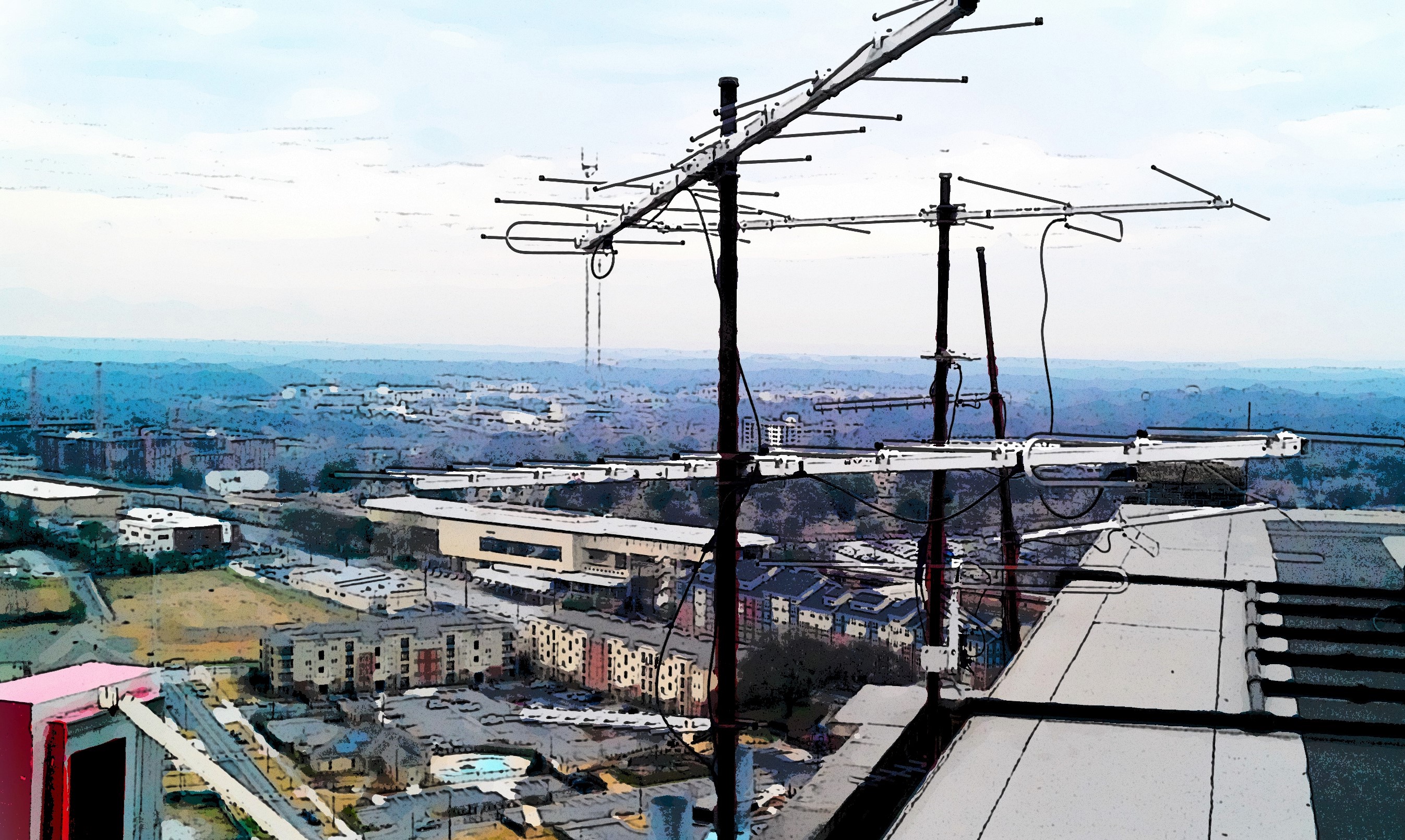
Today, cable and streaming services rates are rising, causing many people to consider canceling their plans. The alternative is to return to free Broadcast TV using a good old-fashioned TV Antenna.
The days of antennas sticking out from the top of neighborhood homes and apartments never went away but for some, the need for a TV antenna is a new concept.
The 2009 Digital Transition brought a completely new signal format to Television Broadcasting. The basic principles and techniques of receiving over-the-air TV did not change, all you will need is a humble antenna.
Antennas are not new
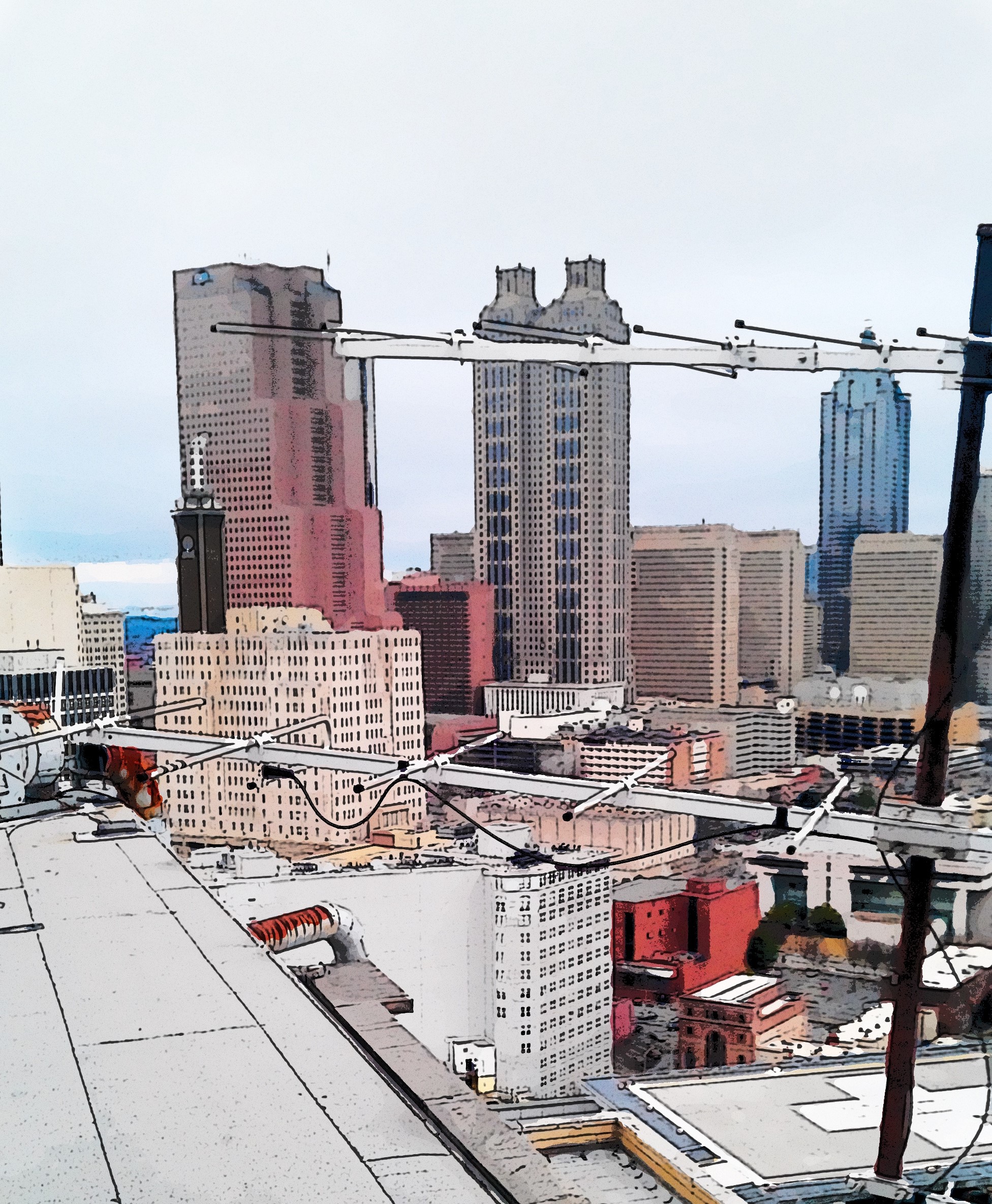
Most people are familiar with the term antenna, but few understand the science behind a device designed to receive TV signals. In the end, how an antenna works is not as important as what type you need to view your favorite TV programs.
The basics of sending and receiving radio frequency signals (RF) has been around since the 1800’s. Faraday, Hertz and Marconi all experimented with the new discoveries of “wireless” technology.
Reception Challenges
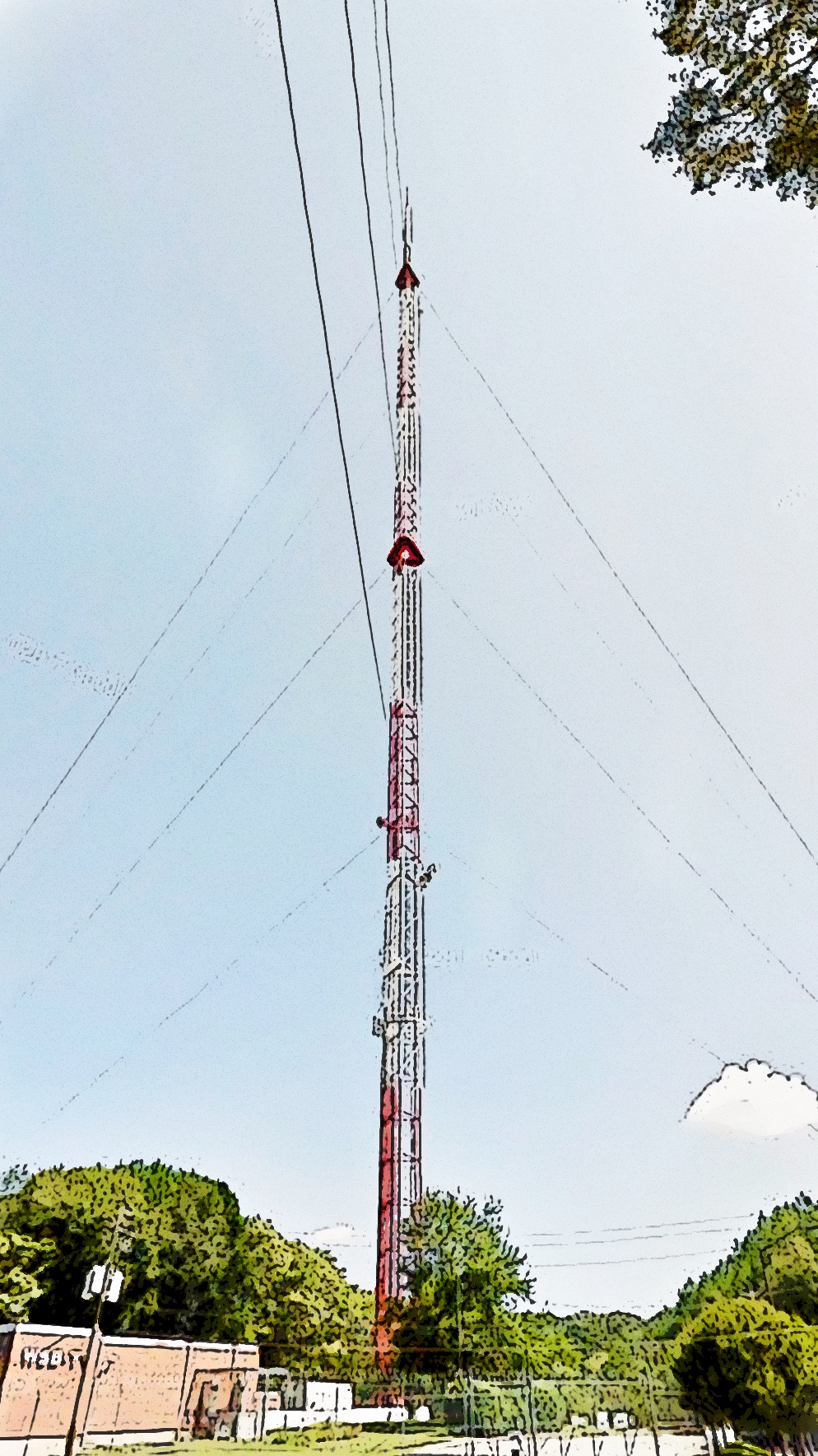
All RF receiving devices have antennas. Cell phones, radios, iPads, laptops, and wireless network routers all have antennas. These devices have reception challenges just like Broadcast Television does. Signal reception is deteriorated by terrain, elevation, trees, and buildings. Not every location will receive a usable signal from the TV transmitter's signal.
There are many types of TV antennas designed to meet your unique needs. Outdoor mast mounted or the universally known indoor rabbit ears may do the job for you. The newer flat wall or window mounted versions can also work in some cases.
Old Antennas still work
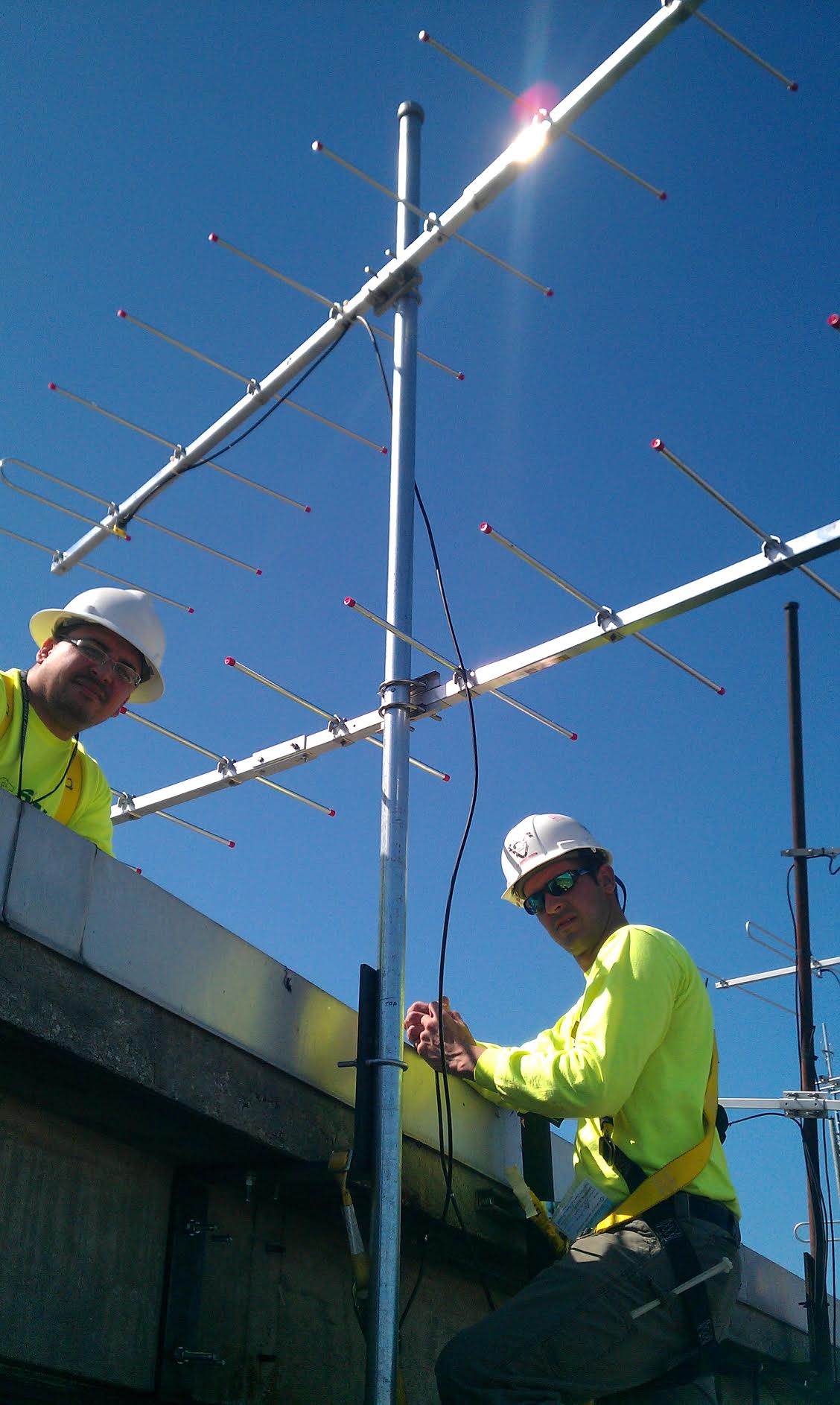
If you had an old antenna before the Digital Transition and you received clear analog channels, it should work fine for receiving the new digital signals.
One very important thing to understand is that one antenna type will not work for every situation.
Digital TV reception needs a dependable signal source. Minimal signal levels in the old analog TV days was watchable. But, the same level of the signal with Digital TV will not even show there is a channel available.
Several free resources are available to assist you like AntennaWeb.org and TVFool.com, these sites confirm the TV channels you may be able to receive in your area. By using these free websites, the correct antenna needed and the direction to point the device can be determined.
Return from Antenna Information to EZ Digital TV Home Page